
- - -
- hours mins seconds
to get your checks by
Monday, Nov. 30th

 0
You have no items in your shopping cart.
Check Request Form: Fields, Approvals and a Copy-Ready Layout
Last updated: November 27, 2026
Someone in the office needs a check cut today. There is no invoice, the vendor is new, and the only record of why the money went out will be whatever the person who asked remembers next month. That is exactly the gap a check request form closes.
This guide covers what a check request form is, when to use one instead of a purchase order or reimbursement, which fields it needs, how the approval flow should run, and the tax paperwork to collect first. It ends with a layout you can copy into your own document.
Quick Summary
A check request form is an internal document an employee completes to ask the accounts payable team to issue a check, usually when there is no standard invoice or purchase order to pay against. It records who is being paid, how much, why, which account to charge, and who approved it, so every check has a documented reason before it is printed and signed.
- Use it for payments with no normal invoice. Deposits, fees, donations, registrations and one-time vendors are the usual cases.
- Collect a W-9 before the first payment to a new vendor. It gives you the taxpayer ID you need for any 1099 reporting.
- The 1099-NEC threshold is $2,000 for 2026 payments. IRS instructions raised it from $600 for tax years beginning after 2025.
- Separate the requester, approver and signer. Federal internal control standards treat segregation of duties as a core fraud control.
- Close the loop. Write the check number back on the form and record it in the check register.
- Keep the form with its backup. The IRS default record keeping period is three years, and longer in some cases.
Here is how a check request compares with the other ways an office authorizes spending.
| Document | Used when | Who starts it | What it pays against |
|---|---|---|---|
| Check request form | No invoice or PO exists, or a one-time payment | Employee who needs the payment | The request and its attachments |
| Purchase order | Buying goods or services from a vendor in advance | Buyer or department | The vendor invoice, matched to the PO |
| Vendor invoice | A vendor bills for delivered goods or services | The vendor | The invoice itself |
| Expense reimbursement | An employee paid out of pocket | The employee | Receipts |
| Petty cash | Very small purchases | Petty cash custodian | Receipts in the fund |
This page is general information about payment controls. It is not tax, legal or accounting advice. Confirm tax reporting rules with your accountant and the current IRS instructions.
Once a request is approved, computer checks print it straight from your accounting software with the payee, amount and stub detail filled in.
What this guide covers
- What is a check request form?
- When should you use a check request?
- What should a check request form include?
- How do you fill out a check request form?
- What does the approval process look like?
- Do you need a W-9 before cutting the check?
- How do you prevent duplicate or fraudulent requests?
- How do nonprofits and PTAs handle check requests?
- How long should you keep check requests?
- Copy-ready check request form layout
- Related reading
- What to do next
What is a check request form?
A check request form is a written request, on paper or in software, asking whoever handles payables to issue a check for a specific amount to a specific payee for a stated business reason. It turns an informal "can you cut a check for this?" into a record that shows the purpose, the account charged and the approvals.
The form is not the payment and not the check itself. It is the authorization trail behind the check, which is what an owner, board treasurer or auditor will ask for when a payment is questioned later.
Is a check request the same as a check requisition or payment request?
In practice, yes. Check request, check requisition, payment request and request for payment all describe the same internal document. Some organizations reserve "payment request" for any method, including ACH or card, and "check request" for paper checks only. Pick one name and use it consistently so staff know which form to grab.
When should you use a check request?
Use a check request when a payment needs to go out and there is no purchase order or vendor invoice to process it against. The most common cases are:
- Deposits and advance payments such as event venues, equipment holds or security deposits.
- Registration and membership fees for conferences, licenses and associations.
- One-time payees such as a speaker, a judge or a refund to a customer.
- Donations and sponsorships where the recipient does not issue an invoice.
- Government fees and filings that require payment with the application.
Do not use it to pay an invoice that already has a purchase order, because that is how the same bill gets paid twice. Employee reimbursements belong on an expense report with receipts instead.
What should a check request form include?
A complete check request form captures enough detail that the person printing the check never has to guess. This table lists each field, why it matters and who completes it.
| Field | Why it matters | Completed by |
|---|---|---|
| Request date and date needed | Fits the request into your check run schedule | Requester |
| Requester name and department | Shows who asked for the payment | Requester |
| Payee legal name | Must match the payee's bank account and W-9, not a nickname | Requester |
| Remittance address | Where the check is mailed | Requester |
| W-9 on file | Confirms you have a taxpayer ID for 1099 reporting | Accounts payable |
| Amount in figures and words | Writing it both ways makes alteration harder to miss | Requester |
| Business purpose | The audit trail for why money left the business | Requester |
| Invoice, PO or reference number | Prevents the same bill being paid twice | Requester |
| Account or cost center | Charges the expense to the right budget | Requester, confirmed by accounts payable |
| Attachments | Quote, contract, registration or receipt supporting the amount | Requester |
| Delivery instructions | Mail, hold for pickup, or send with a remittance slip | Requester |
| Approver signature and date | Authorizes the spend from that budget | Manager or budget owner |
| Check number, date issued and preparer | Links the request to the check that paid it | Accounts payable |
How do you fill out a check request form?
Filling out a check request takes a few minutes if the backup is ready. Follow the same order every time:
- Gather the backup first. Quote, contract, registration page or receipt showing the exact amount.
- Enter the payee's legal name exactly as it appears on their W-9 or official paperwork.
- Write the amount in figures and in words so the two can be compared.
- Describe the business purpose in one specific sentence, such as "deposit for spring trade show booth."
- Add the account code or cost center the payment should be charged to.
- Note the date needed and any delivery instructions.
- Sign as requester and route it to the approver with the attachments.
Forms are most often sent back for a missing signature, a vague purpose or a payee name that does not match the paperwork. Getting those three right avoids most delays.
What does the approval process look like?
A sound check request workflow moves each request through separate hands, so no single person can request, approve, sign and record the same payment. A typical flow looks like this:
- Requester completes the form and attaches the backup.
- Accounts payable confirms the payee exists and a W-9 is on file.
- Budget owner approves, and never approves a payment to themselves.
- Accounts payable checks for duplicates against open invoices and POs.
- A second approver signs off when the amount is above your set limit.
- The check is prepared on the next scheduled check run.
- An authorized signer who did not prepare the check signs it.
- The check number is written back on the form and entered in the register.
- The form is filed with its backup for the retention period.
How do you set approval limits?
Approval limits tie the level of sign-off to the size of the payment. Set your own dollar amounts based on your size and risk, then write them into your check signing policy. A simple three tier structure works for most small businesses.
| Tier | Amount range | Approval needed | Signatures on the check |
|---|---|---|---|
| Tier 1 | Up to your first limit | Budget owner | One authorized signer |
| Tier 2 | Between your first and second limit | Budget owner and finance lead | One authorized signer |
| Tier 3 | Above your second limit | Budget owner, finance lead and owner or board officer | Two authorized signers |
What if your team is too small to separate duties?
Small offices often cannot split every task between different people. The federal internal control standards published by the Government Accountability Office, known as the Green Book, recognize this and point smaller entities toward compensating controls: extra review levels, random reviews of transactions, periodic counts and checking reconciliations. In a two person office, that might mean the owner reviews every cleared check image each month even if the bookkeeper prepares them.
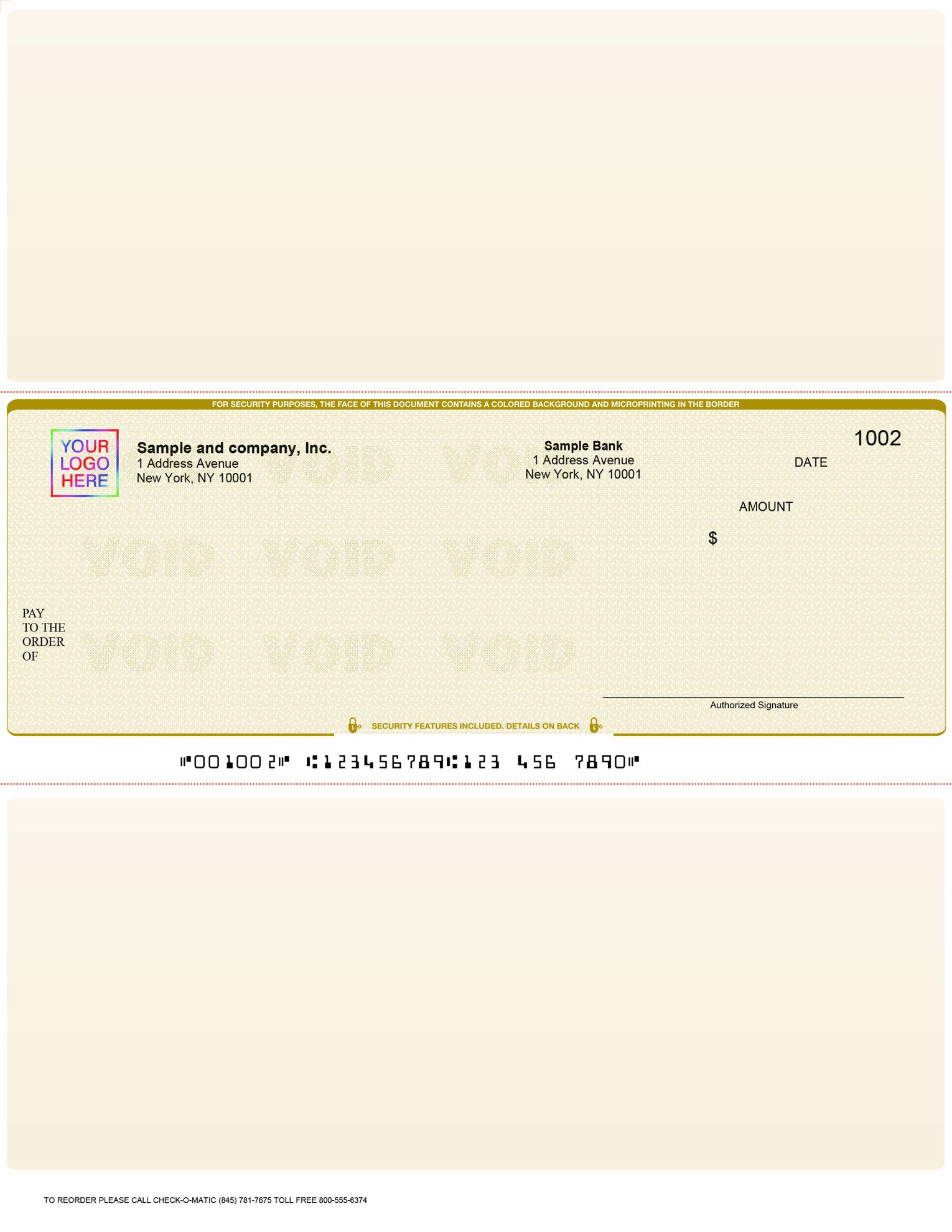
A check in the middle layout. One stub can carry the business purpose and account code from the check request, and the other travels to the payee as the remittance record.
Do you need a W-9 before cutting the check?
For a new vendor or contractor, collect a W-9 before the first payment. The IRS describes Form W-9 as the way a payee gives their correct taxpayer identification number to a business that must file an information return, such as a 1099.
The reason to do it first is backup withholding. IRS guidance says that when a payee who should provide a taxpayer ID does not, the payer may have to withhold at the current rate of 24 percent and send it to the IRS. Chasing a W-9 after the check has gone out is far harder than asking before.
What is the 1099-NEC threshold for 2026?
IRS instructions for Forms 1099-MISC and 1099-NEC state that for tax years beginning after 2025, the reporting threshold for nonemployee compensation increased to $2,000, and may be adjusted for inflation starting in 2027. Payments to attorneys follow their own rules. Your check register and the request forms together give you the year end totals by payee.
How do you prevent duplicate or fraudulent requests?
Most check request problems are either honest duplicates or deliberate fraud, and the same few checks catch both. Before a check is printed, accounts payable should confirm:
- No open invoice or PO already covers the same payment.
- The payee is real and verified through contact details you already hold, not ones supplied on the request.
- The remittance address is not new without separate confirmation from the payee.
- The approver is not the payee or related to the payee.
- The amount matches the backup exactly.
After the check goes out, the controls continue. Mail it promptly, review cleared check images, and use check stock built to resist alteration, such as high security business checks. Our check washing guide shows what thieves change on stolen checks.
How do nonprofits and PTAs handle check requests?
Nonprofits, PTAs and booster groups usually add two steps: a budget approved by the board or members, and two signatures on every check. The treasurer processes the request, an officer who did not request the payment approves it, and a person who does not sign checks reviews the bank statement each month.
Volunteer groups also benefit from a firm cutoff, such as requests received by a set day being paid at the next meeting. The nonprofit business checks guide covers signer setup and two signature lines for these organizations.
How long should you keep check requests?
Keep each check request with its backup for as long as you keep the tax records it supports. IRS guidance sets a default of three years, six years if income was underreported by more than 25 percent, seven years for bad debt or worthless securities, and at least four years for employment tax records.
Many businesses simply keep payment records for seven years to cover every case. Our guide on how long to keep business checks applies the same periods to checks and stubs.
Copy-ready check request form layout
Copy this layout into a word processor or spreadsheet and add your company name at the top. It covers every field from the table above in the order people fill them in.
| Section | Field | Entry |
|---|---|---|
| Request | Request date / Date needed | |
| Request | Requester name / Department | |
| Payee | Payee legal name | |
| Payee | Remittance address | |
| Payee | W-9 on file (Yes / No) | |
| Payment | Amount in figures | |
| Payment | Amount in words | |
| Payment | Business purpose | |
| Payment | Invoice, PO or reference number | |
| Payment | Account code / Cost center | |
| Payment | Attachments included | |
| Payment | Delivery: Mail / Hold for pickup / Include remittance | |
| Approval | Requester signature and date | |
| Approval | Approver signature and date | |
| Approval | Second approver (above limit) | |
| Accounts payable | Check number / Date issued / Prepared by |
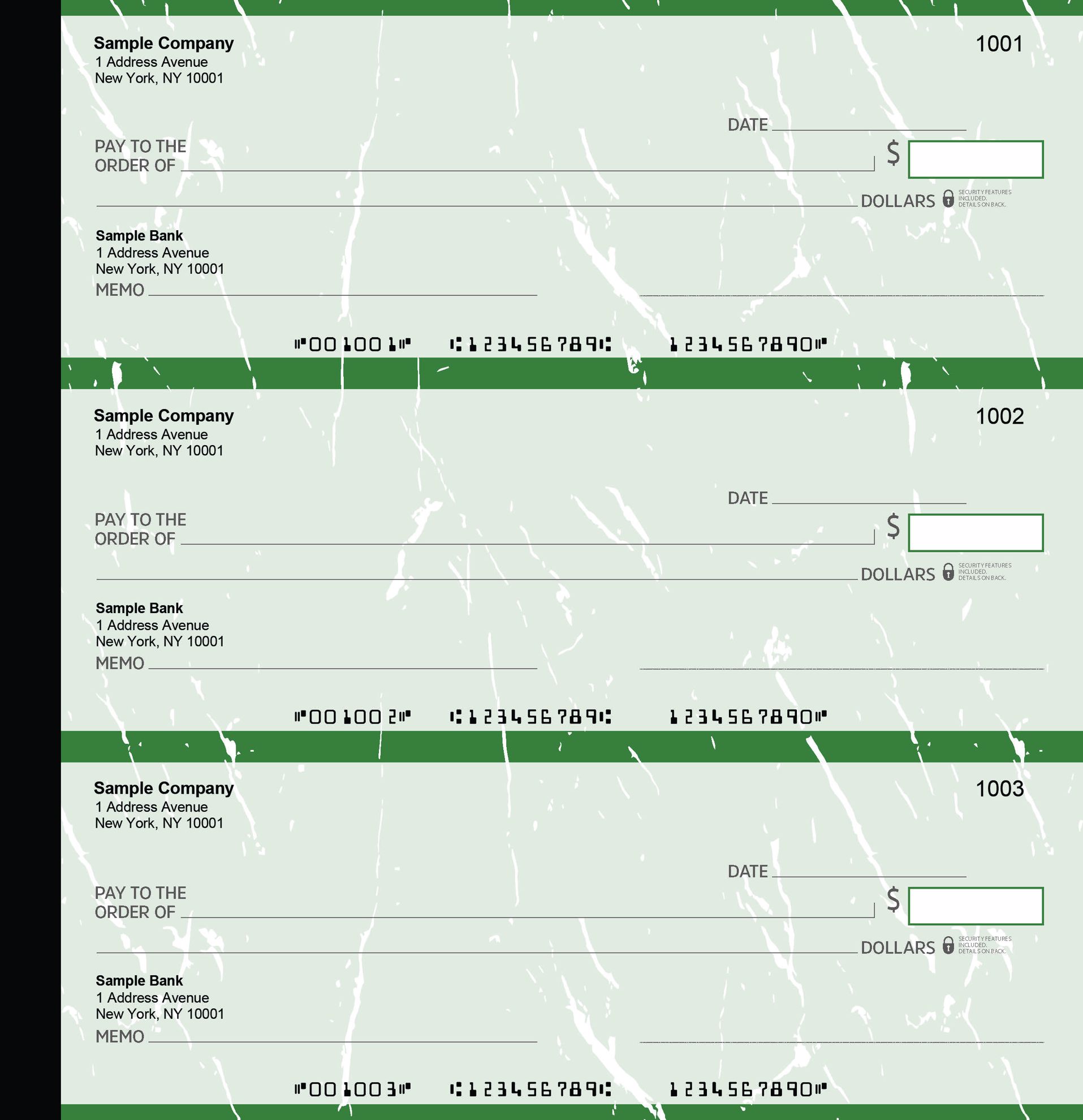
Executive deskbook manual checks, three per page. Offices without accounting software write approved requests by hand here, and the stub keeps the check number to note back on the form.
Related reading
- Check signing policy sets out who can sign and when two signatures are needed.
- Check register shows how to record every check you issue.
- Who signs a business check explains how banks record authorized signers.
- How long to keep business checks covers retention periods.
What to do next
Copy the layout above, set your approval limits, and decide who requests, who approves and who signs. Then make the check request form the only way a non-invoice payment gets made, with no exceptions for "just this once."
When requests are approved, the check stock should keep the same record. Business checks in the middle and compact 3 per page manual checks both carry stubs for the purpose and account code. Orders placed before the daily cutoff are produced the same day.
About the Author
Checks Next Day prints business checks for U.S. companies, nonprofits and associations and ships them the next business day. Many of our customers run weekly check runs, and the controls in this guide reflect the questions office managers and treasurers bring to us.
The tax and control guidance here was checked against IRS instructions for Forms W-9, 1099-MISC and 1099-NEC, IRS guidance on backup withholding and record keeping, and the Government Accountability Office's Standards for Internal Control. Rules change, so confirm current requirements with your accountant.